
HomePayroll ProVideosDownloadsPricesSupportTestimonialsContact UsResources

Screen shots - Employee Details - New & Departing Employees


Step 5:
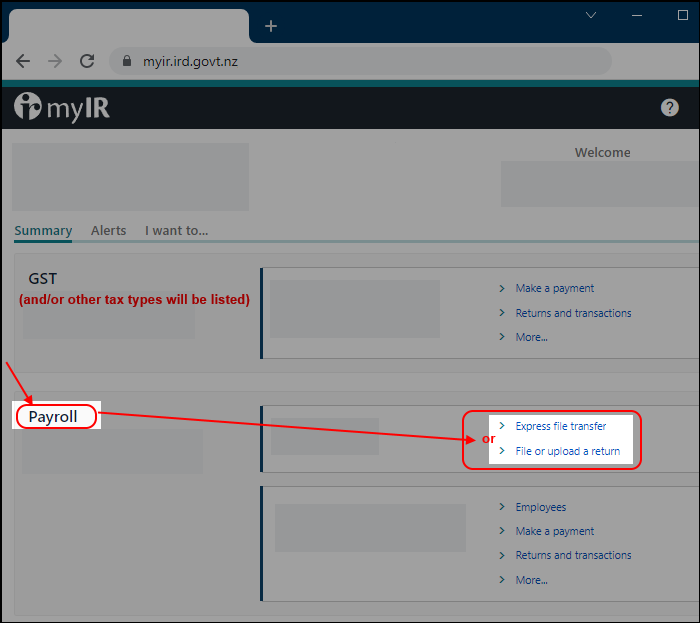
Navigate through to the area where you can upload your file.

Note that this area relates to the IRD's website - please contact IRD if you have any problems with this part.

At the IRD website, click the following:

  1. Payroll (was ir-File) >
  2. File Transfer
  3. Then, click: File transfer employee details


After clicking File transfer, you will see the following.
Click: File transfer employee details:

Note that the order of these options was changed in February 2019.

You can click anywhere on the image below to see the next step.


Step-0   Step-1   Step-2   Step-3   Step-4   Step-5   Step-6   Step-7   Step-8